



Wi-Spy Lucid
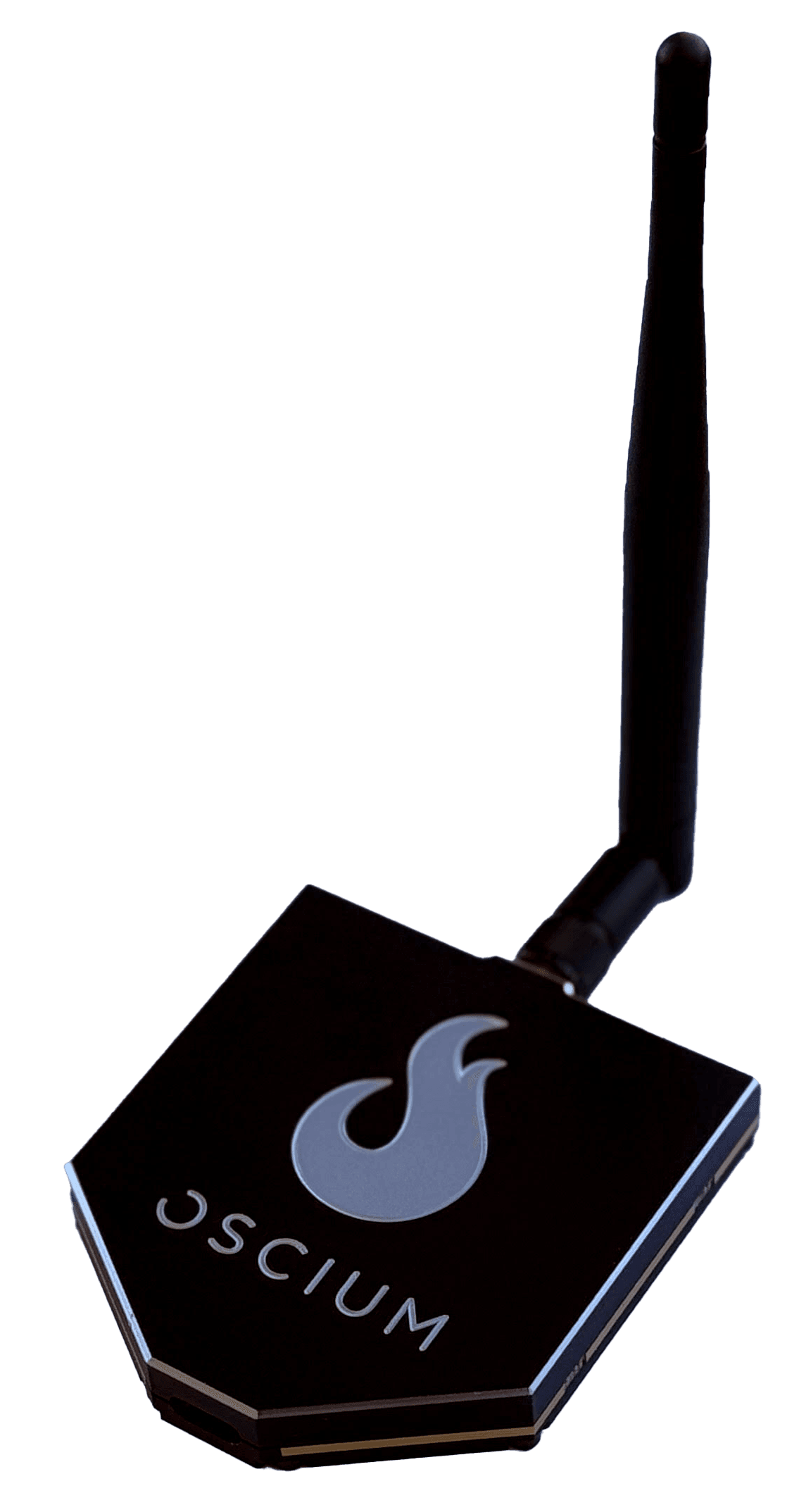
Tri-band spectrum analyzer 2.4, 5, 6 & 7 GHz bands
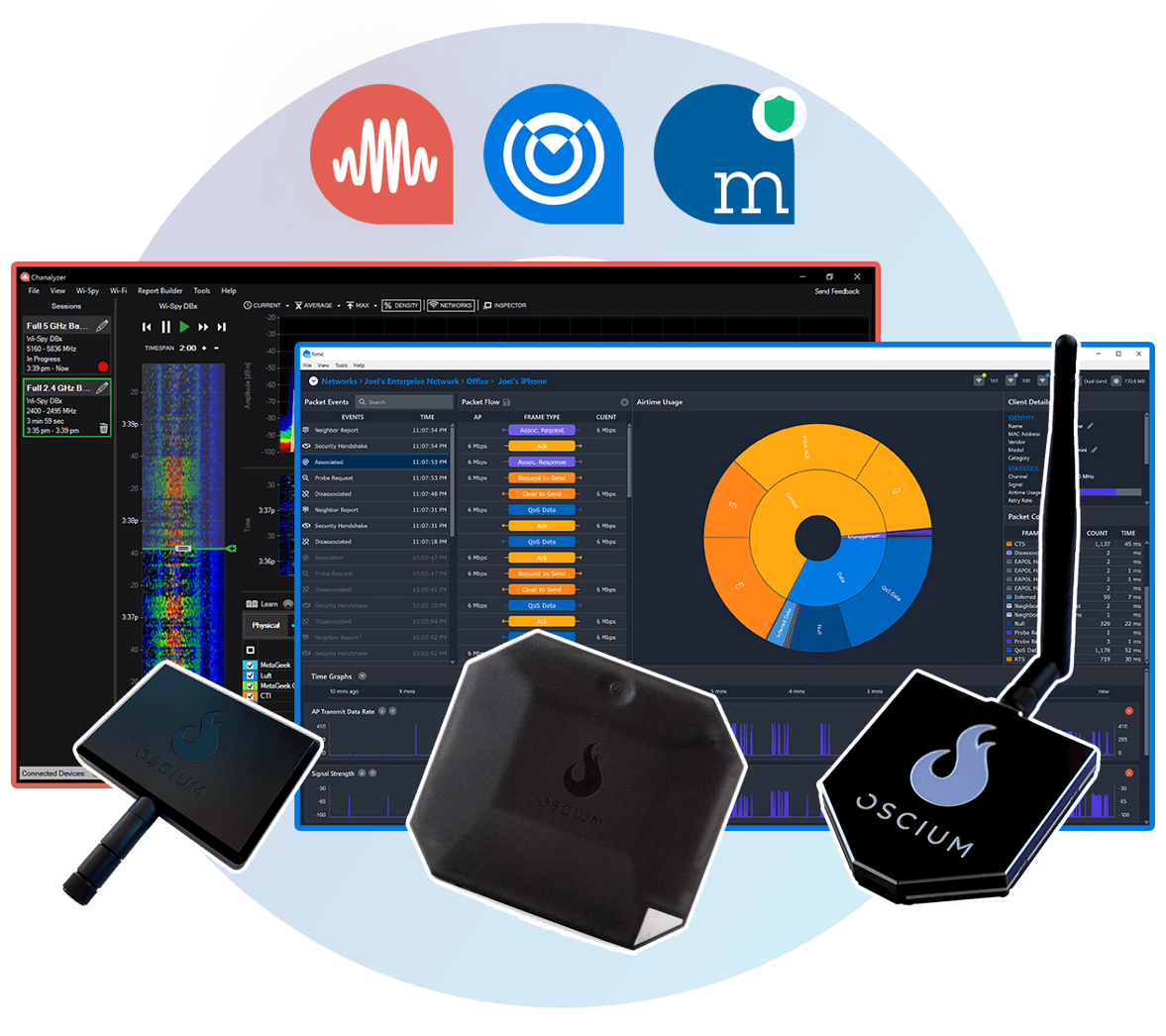


Every tool you need to see, find, and fix Wi-Fi issues. Full spectrum visibility, packet capture, device location, and professional reporting in one complete kit.
Trusted by Cisco, Amazon, UPS, Rivian, and 1000+ WLAN professionals
Tri-band spectrum analyzer 2.4, 5, 6 & 7 GHz bands
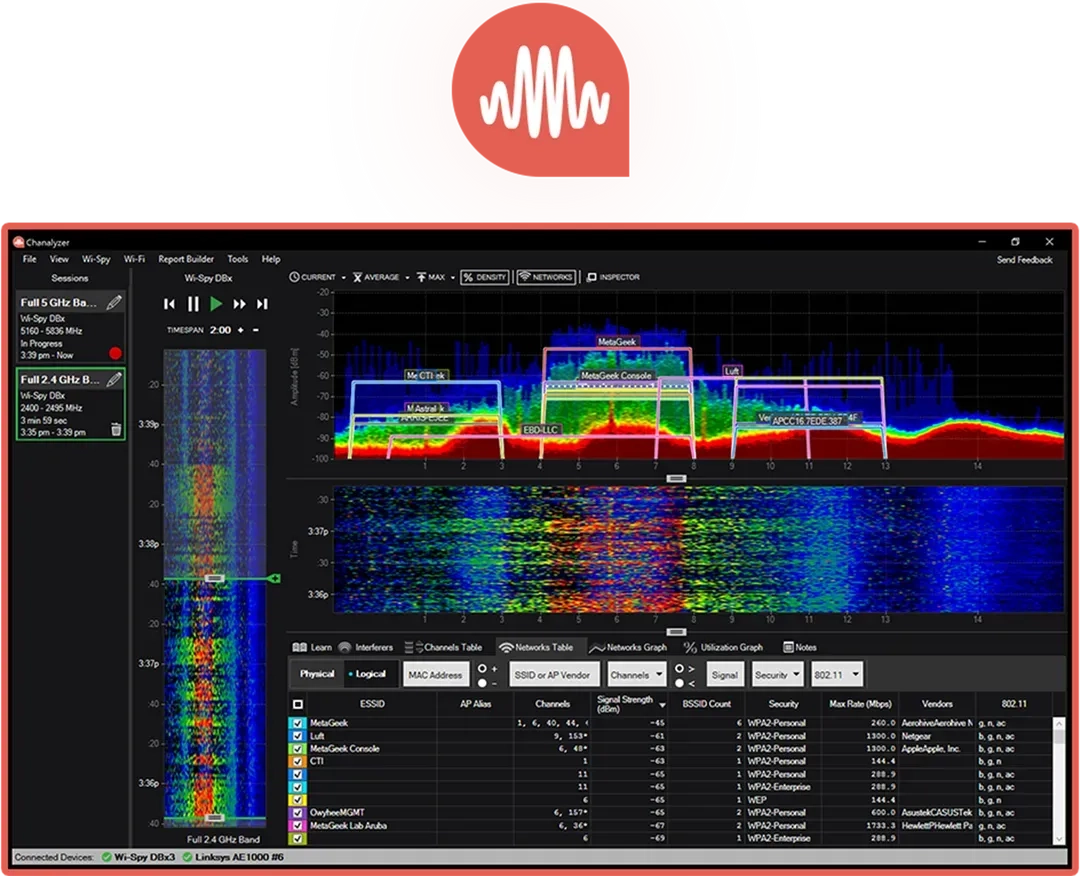
Spectrum analyzer software with report builder
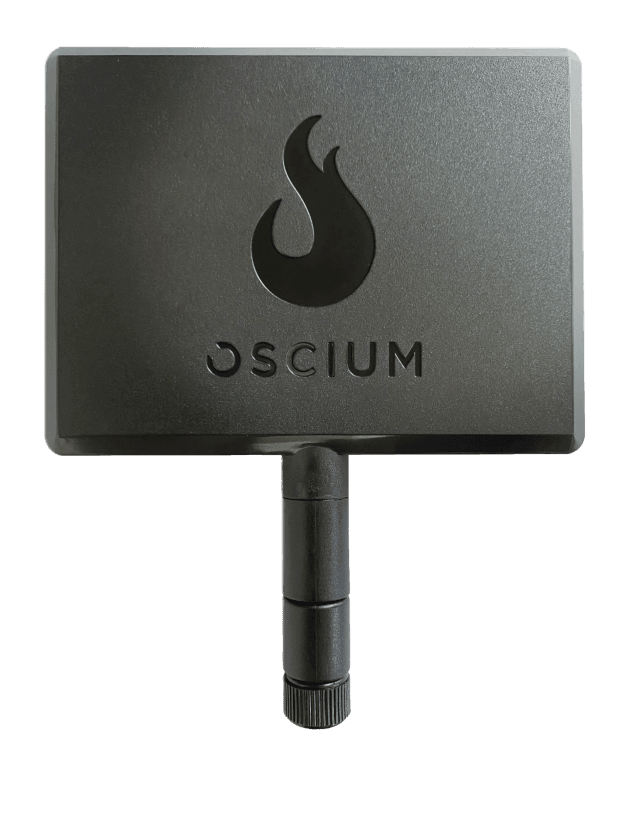
Tri band directional antenna
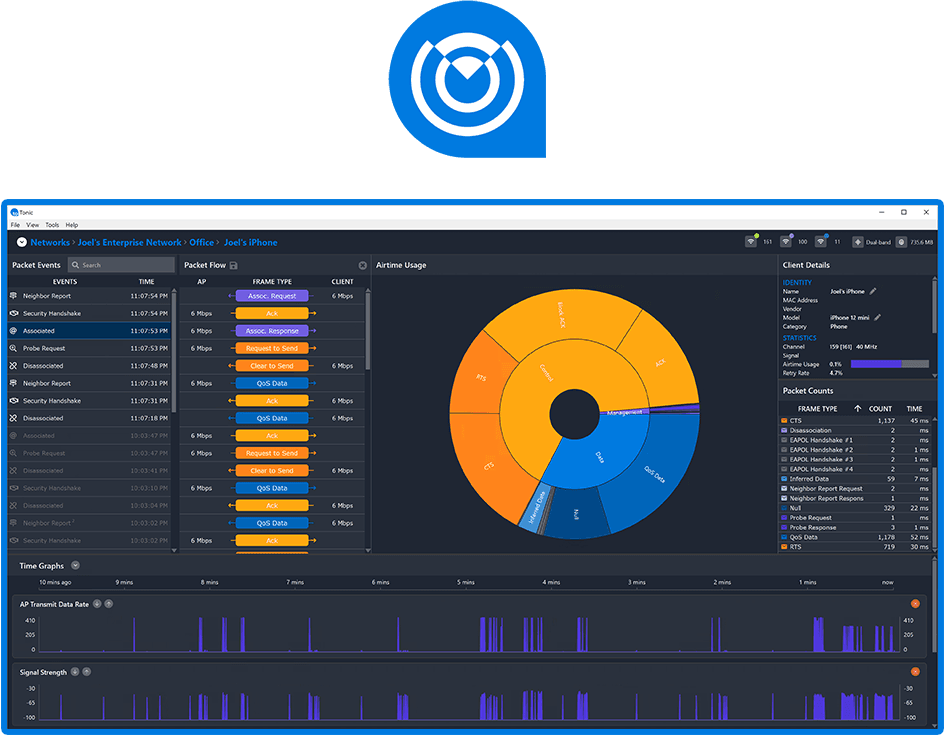
Advanced packet analysis
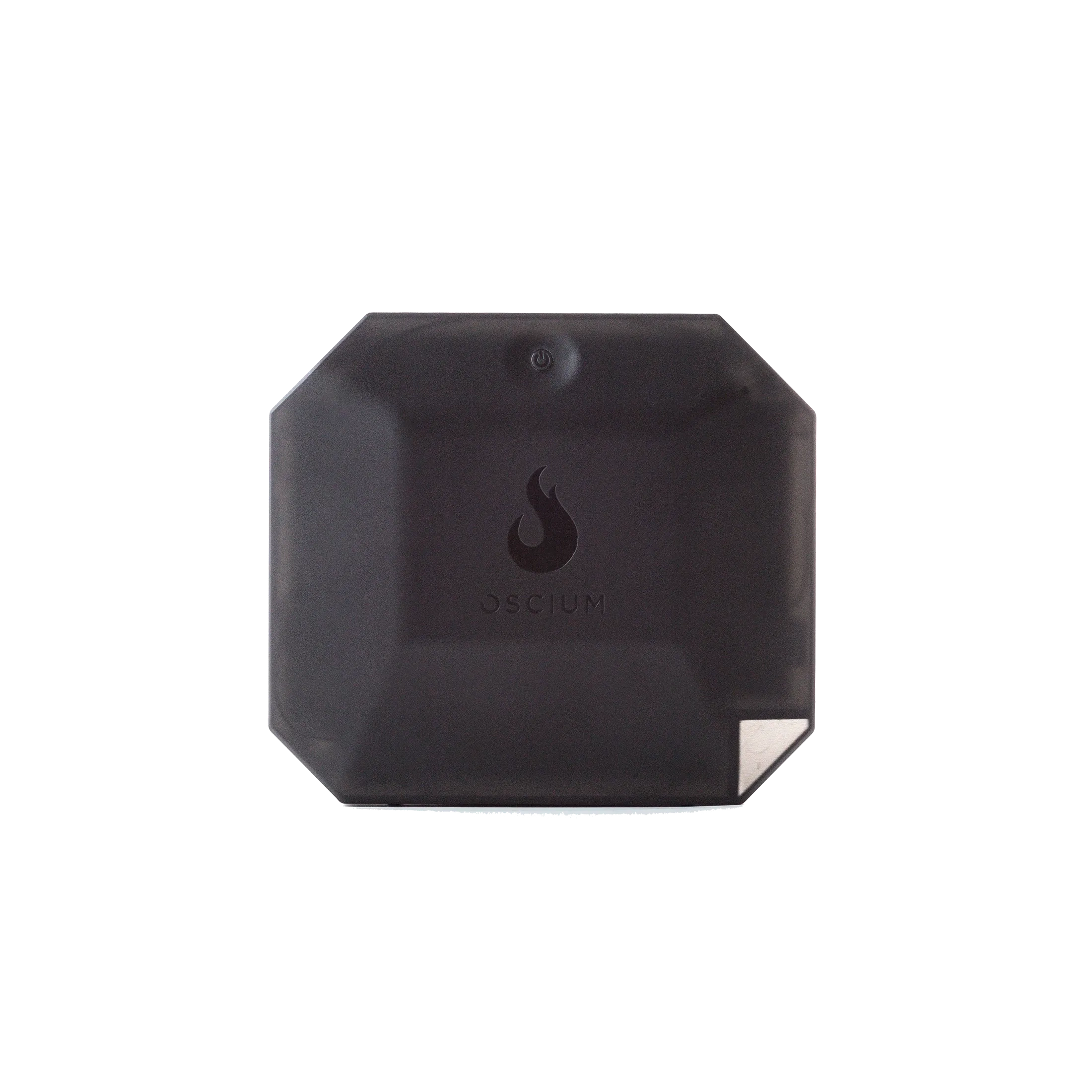
4-radio packet capture 2.4, 5, 6 & 7 GHz simultaneous

Software + Accessory

Wi-Spy Lucid gives you full visibility into 2.4, 5, and 6 GHz bands. Paired with Chanalyzer's visualization tools, you'll finally see your network clearly in real time.

With the Device Finder Antenna, you're not just looking for interference, you're hunting it down. This directional antenna focuses your efforts to zero in on the exact source of disruptions.

Oscium Nomad and MetaGeek App together capture and parse Wi-Fi 7 packets across four channels simultaneously. Identify airtime congestion, sticky clients, and roaming issues in real time.

Turn your findings into compelling PDF reports with Report Builder. Add snapshots, tables, and descriptions to communicate clearly with clients and management. View Sample Report
Wi-Spy Lucid gives you full visibility into 2.4 GHz, 5 GHz, and 6 GHz (Wi-Fi 7) bands, monitoring both Wi-Fi and non-Wi-Fi activity with pinpoint precision. Paired with perpetual access to Chanalyzer's visualization tools, it's like putting on glasses after years of squinting, you'll finally see your network clearly in real time.
The Complete Bundle combines the Wi-Spy Lucid for tri-band spectrum analysis, Chanalyzer for deep desktop insights, the MetaGeek App for quick mobile checks, Oscium Nomad for packet and performance testing, and Device Finder for locating troublesome transmitters. Together, these tools create an end-to-end workflow that helps technicians diagnose interference, verify network designs, and resolve Wi-Fi issues faster.
The Complete Bundle combines five tools into one workflow: Wi-Spy Lucid tri-band spectrum analyzer, Chanalyzer with Report Builder, Device Finder directional antenna, Oscium Nomad packet capture device, MetaGeek App software, and 1 year of MetaCare for both Chanalyzer and MetaGeek App.
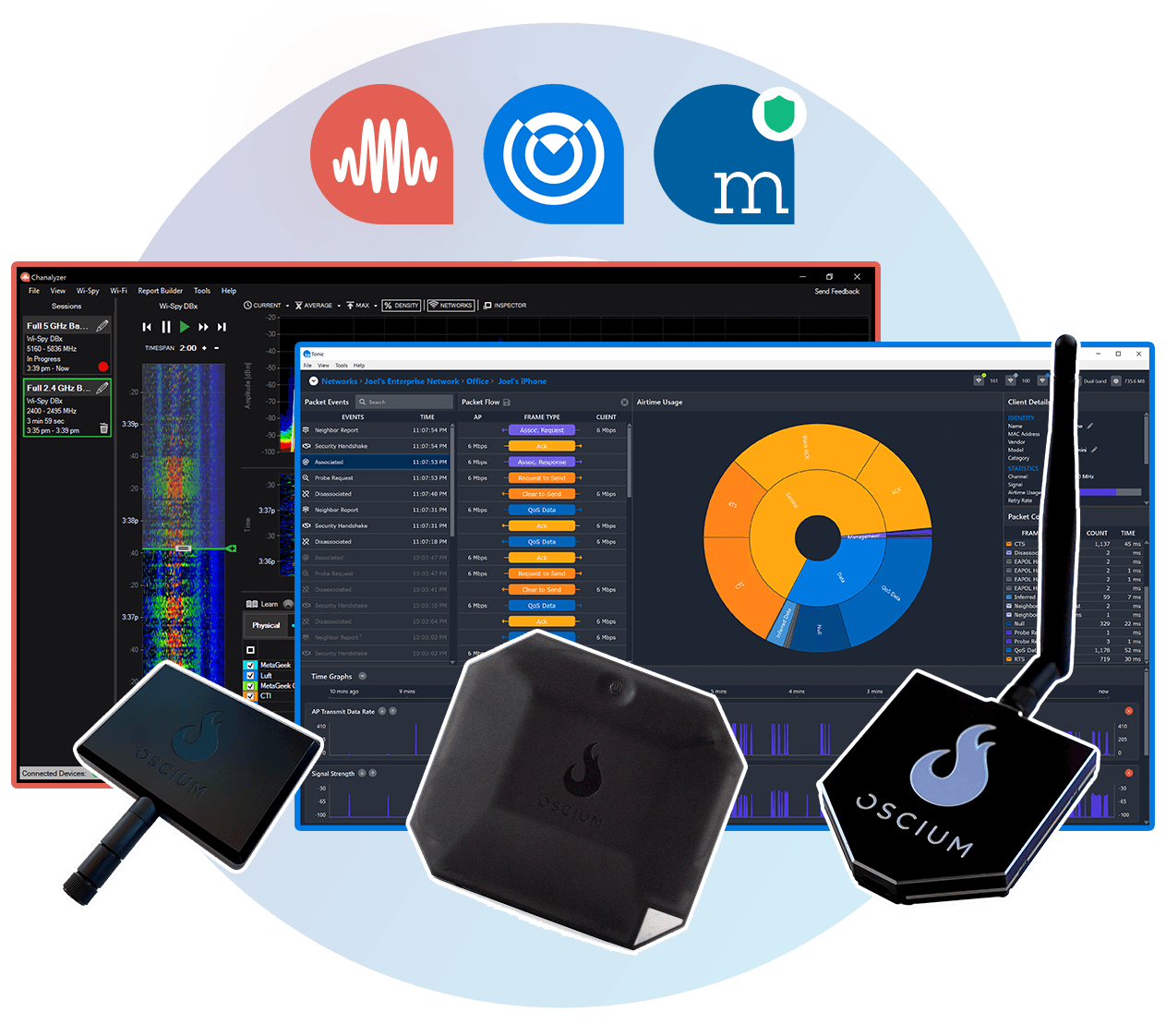
Full spectrum + packet workflow
$4,399
Best for:Full-service WLAN professionals
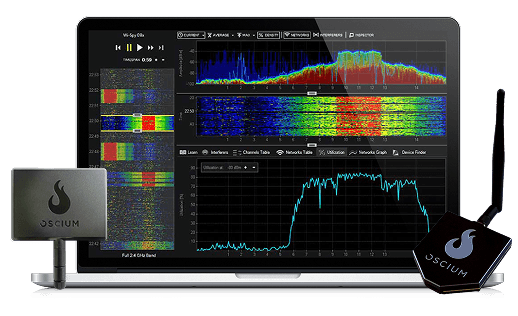
See and fix interference issues
$1,599
Best for:Consultants, site surveys, interference hunting
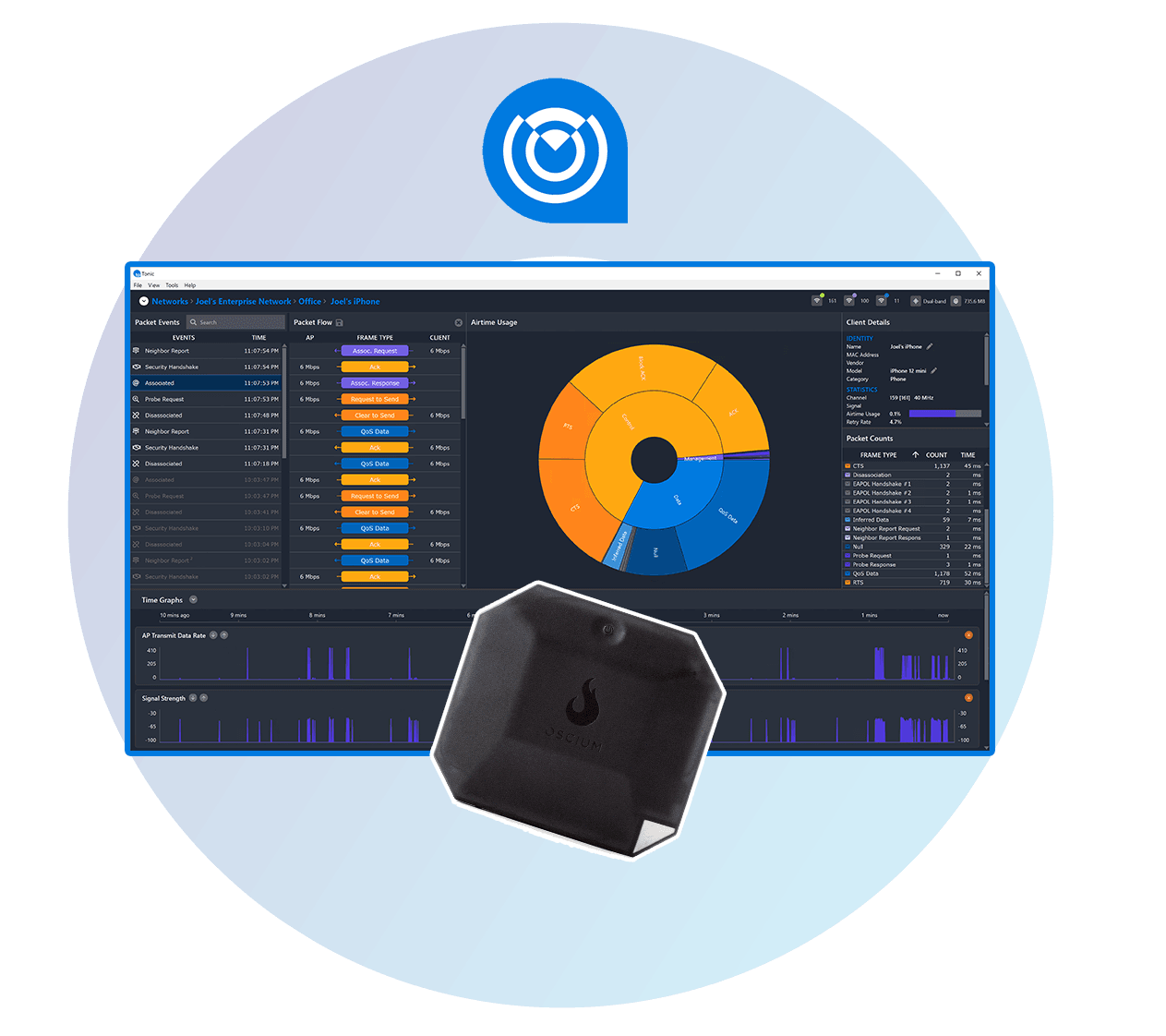
Analyze traffic and troubleshoot devices
$2,799
Best for:Enterprise teams, roaming issues, client debugging
“The Oscium Complete Bundle literally saved our warehouse go-live. In minutes we saw the U-APSD/DTIM mismatch that standard survey tools and vendor captures completely missed. It paid for itself on the first job — and opened the door to repeat business.”
“I love working with Wi-Spy...and Chanalyzer. It’s very easy to show a customer just what’s going on with their wireless network and have them understand it.”
“Our techs religiously use your tools to ensure that our customers are left with the best experiences possible.”
Enter your email to subscribe to our newsletter and receive updates.

At Oscium, we've spent over 16 years turning complex technology into tools that
work better for everyone.
©2026 OSCIUM. All Rights Reserved.


