



Case Study Part III: Resolving Persistent HTTPS Slowness, Multicast Leaks, and Client Behavior Across a Multi-AP UniFi Network

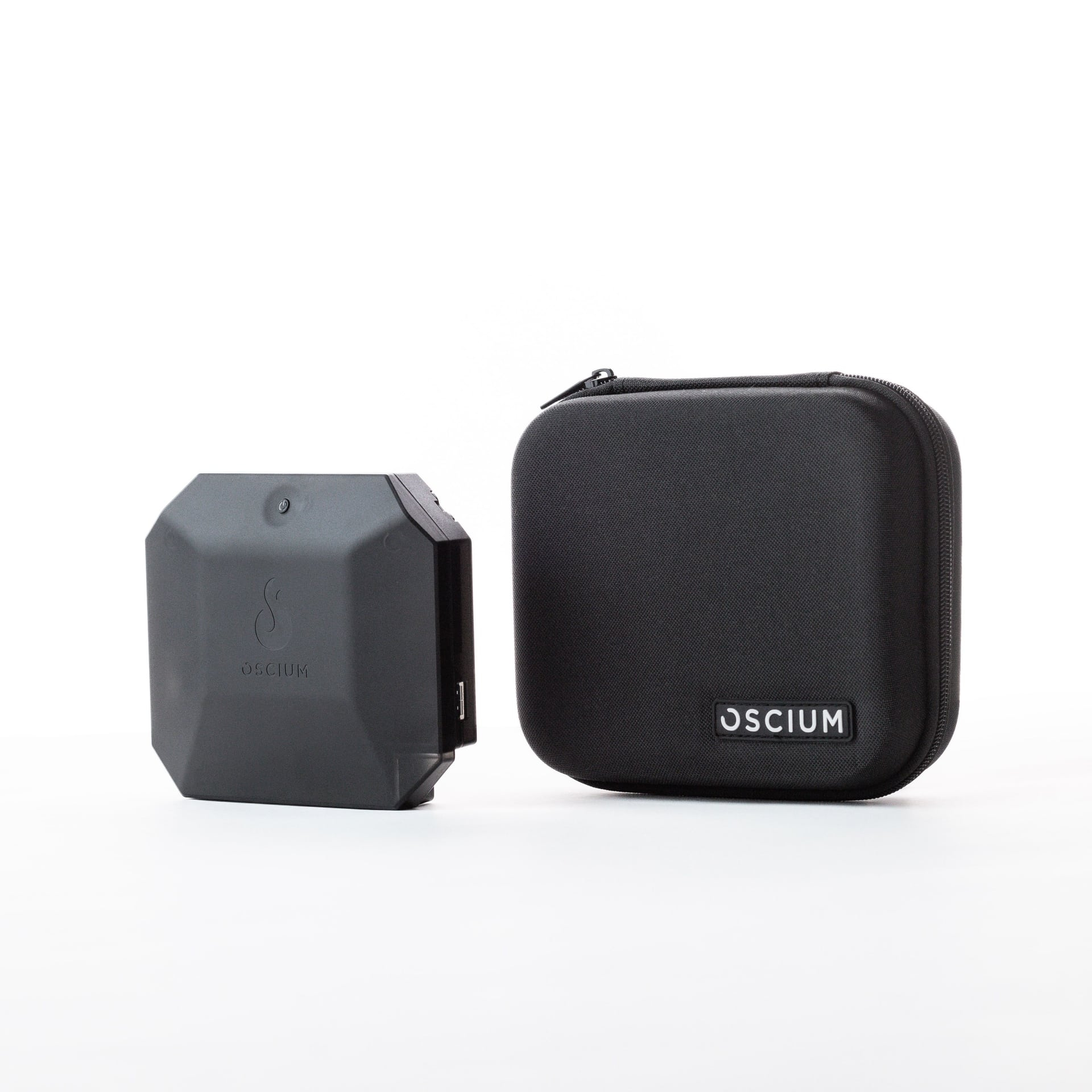
In Part I of this series, the Oscium Complete Bundle uncovered a hidden U-APSD compatibility issue that was causing severe latency spikes during a critical warehouse migration. In Part II, it exposed marginal coverage and retry problems in dense warehouse aisles that Ekahau and vendor tools had missed. In Part III, we shift to a different but equally frustrating enterprise scenario: a customer experiencing horrible HTTPS performance (websites taking 30+ seconds to load or failing entirely) on a stationary client across multiple UniFi APs — despite apparently strong signal. What started as a suspected “burned-out AP radio” issue turned into a masterclass in layered Wi-Fi troubleshooting: power-save storms, excessive RTS/CTS, multicast flooding from industrial protocols, VLAN leakage, and lingering application-layer quirks.
The Challenge
A client device (MAC D0:65:78:74:BB:98, a Windows PC) on the Univertical Corporate SSID exhibited terrible performance: simple HTTPS browsing was nearly unusable, and basic pings showed frequent timeouts and high jitter. The issue affected both SSIDs on the same radio and appeared network-wide across ~7-year-old UniFi APs that had been running at high power.
Initial suspicion fell on weak signal or failing AP hardware. Standard tools and basic checks weren’t revealing the root cause. The engineer needed raw 802.11 visibility that followed the real client across channels and configurations.
The Oscium Complete Bundle Solution
Using the Oscium Nomad (part of the Complete Bundle) with the MetaGeek App on a Windows laptop, the engineer performed a series of targeted captures while the client attempted normal browsing and ping tests. Multiple PCAPNG files were collected (Uni1 through Uni7) as incremental configuration changes were tested, including U-APSD enablement, data rate adjustments, 802.11r/BSS Transition, multicast-to-unicast, port profile cleanups, and walk tests across locations. A parallel Wireshark capture on the client PC provided wired-side correlation.
The Nomad’s multi-radio capability allowed seamless channel following and deep frame analysis without the limitations of single-radio or survey-only tools.
Key Findings from the Capture Series
Detailed AI-assisted analysis of the full thread of captures revealed a progression of issues:
Initial Capture (Uni1):
Excellent signal (client ~–43 dBm, AP ~–58 dBm) — ruled out simple RSSI problems.
Extreme control-plane chatter: 27k+ RTS, 19k+ CTS, 7k+ BlockAck, and 1,179 QoS Null frames from the client toggling power-save state.
Almost no actual protected data frames (only ~58 total).
Heavy low-rate (6 Mbps) multicast/broadcast flooding, especially from a recurring source to the DLR beacon MAC 01:21:6c:00:00:01.
Channel airtime not fully saturated but burdened by overhead.
U-APSD Enablement (Uni2):
Significant reduction in QoS Null/power-save storms and control traffic, proving the compatibility angle.
Data Rate + Feature Changes (Uni3):
Raising minimum rates cut multicast airtime; retries remained a concern on data frames. Different AP + Client-Side Capture (Uni4/uni4-wireshark): Client stuck on noisy 2.4 GHz; confirmed clean L3 pings during some windows but revealed steering/disassociation events and the persistent multicast source.
Further Optimizations (Uni5/uni5-wireshark):
Client moved to clean 5 GHz with low retries and solid ping — but a new multicast source (5c:88:16:ce:dc:4a) was flooding ~10%+ airtime with DLR traffic.
VLAN/Port Profile Cleanup (Uni6/uni6-wireshark):
Changing UniFi switch ports from “Tagged VLAN Management: Allow All” to Block All eliminated the DLR multicast leak (01:21:6c:00:00:01 frames dropped to zero). Airtime plummeted, pings cleaned up, and retries normalized.
Walk Test Across Locations (Uni7):
Confirmed improvements; identified one weaker AP/cell (02:ec:da:be:98:50) with higher retries during bursts. Roams were “dirty” but expected given the non-overlapping cell design. One lingering non-Wi-Fi issue: repeated TCP resets from an internal host at 172.16.50.10:443.
The Fixes & Results
Iterative changes based on Nomad data delivered dramatic improvement:
 U-APSD — Resolved power-save/QoS Null storms.
- Higher minimum/basic data rates + multicast-to-unicast — Slashed low-rate airtime waste.
- UniFi switch port profiles — Locked to Block All on endpoint ports, stopping industrial DLR (Device Level Ring) multicast leakage from a separate VLAN into the WLAN path.
- Client-side tweaks — Driver updates and power-save disablement recommended.
- Targeted AP review — One cell needed attention; others performed well once airtime was cleaned.
Post-fix captures showed:
- Clean 5 GHz associations with strong signal.
- Near-zero data retries during active tests.
- Solid ping (0% loss, low RTT).
- Dramatically reduced control overhead and airtime.
The customer avoided unnecessary hardware replacement and gained confidence in the existing AP fleet. HTTPS performance returned to expected levels (with the internal 172.16.50.10 issue investigated separately).
Why Only the Oscium Nomad Could Do This
Traditional tools often miss the layered symptoms here: encrypted data limitations hide payload issues, but the Nomad delivered full 802.11 control/data frame visibility, multi-channel following, and precise correlation across dozens of captures. It quantified RTS/CTS storms, QoS Null toggling, multicast airtime impact, retry rates per AP, and even steered the team to the exact VLAN leakage path — all while walking the real environment with the real client.
Lessons Learned for UniFi & Enterprise Wi-Fi Deployments
- Industrial protocols like EtherNet/IP DLR use special L2 multicast MACs that IGMP snooping doesn’t always catch — static filtering or strict trunking is essential.
- “Allow All” on tagged VLAN management turns access ports into unintended trunks.
- Stationary clients can still exhibit aggressive power-save and protection behavior — test U-APSD and client drivers early.
- Always correlate over-the-air captures with client-side Wireshark for the full picture.
- Old APs aren’t necessarily “burned out” — airtime, multicast, and config often tell the real story.
Series Wrap-Up
Across three real-world engagements, the Oscium Complete Bundle repeatedly turned vague performance complaints into precise, actionable diagnoses — saving migrations, optimizing warehouses, and resolving stubborn enterprise issues that other tools couldn’t touch. The Nomad’s raw capture power, combined with on-the-spot analysis, delivers unmatched ROI for serious Wi-Fi professionals.
Case study contributed by Tyler Condon, SabreTech Consulting LLC.
Raw 802.11 packet captures performed with the Oscium Nomad Network Analyzer. Detailed PCAP analysis provided by advanced AI tools.
Enter your email to subscribe to our newsletter and receive updates.

At Oscium, we've spent over 16 years turning complex technology into tools that
work better for everyone.


©2026 OSCIUM. All Rights Reserved.