“Yet another great Oscium Instrument
...still astonished by the great user interaction Oscium gives you on measuring the WiFi environment...”
Ischa Berghuis van Winden
Customer Review
"Amazing
...I ripped the package apart in a fury of excitement. It's beautiful. I can't wait to show my professor, the equivalent unit in our lab weighs about sixty pounds.... Thanks Oscium”
Thegeekiestguy
Customer Review
WiPry-Power's Features and Benefits
Here are a few of WiPry Power’s prominent features and a description to help you get started.
SMB Coaxial Connector You can use the included 2.4 GHz antenna for radiated power measurements, or use cables to make conducted power measurements. Learn about Oscium’s conducted measurement accessory pack here.
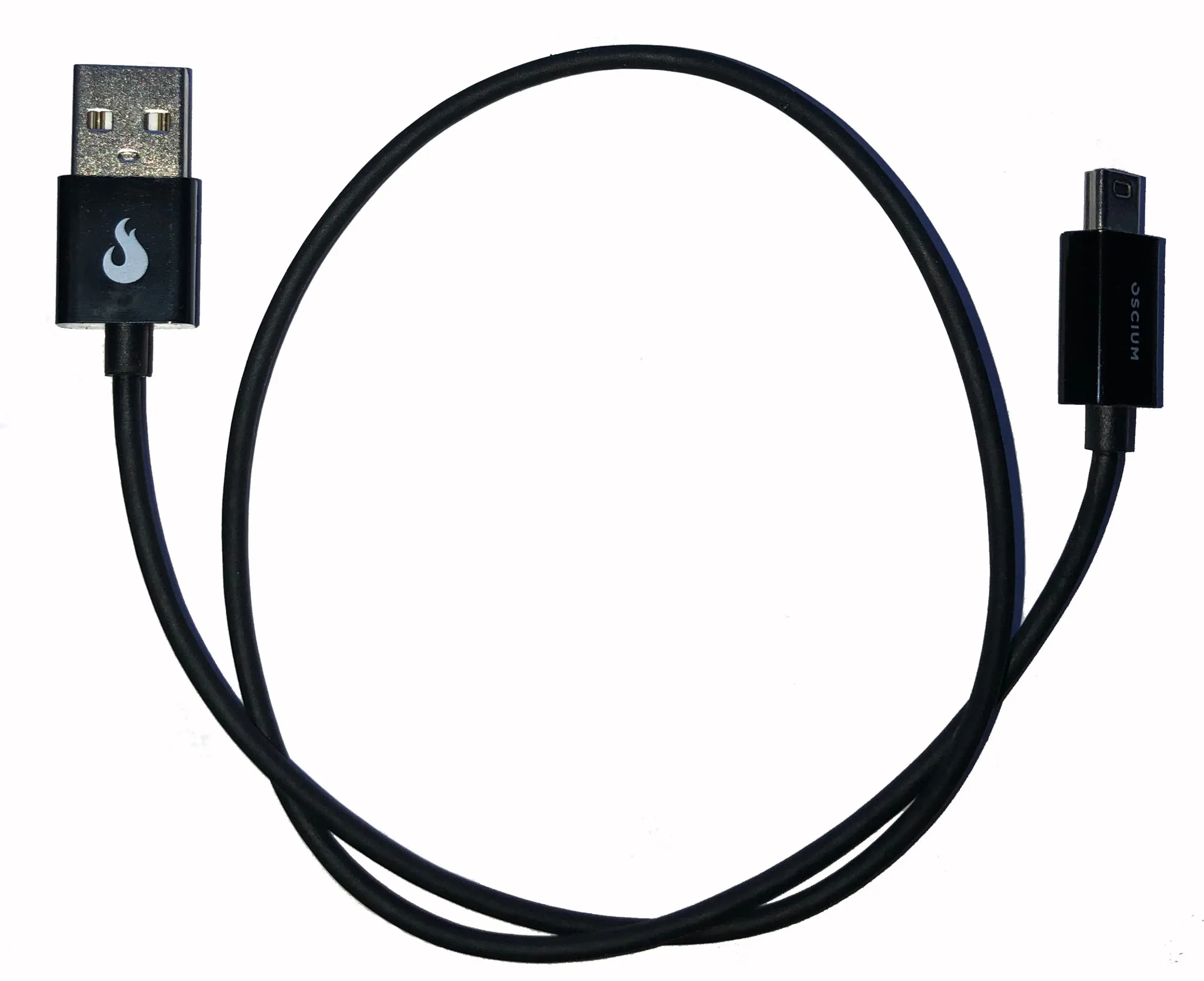
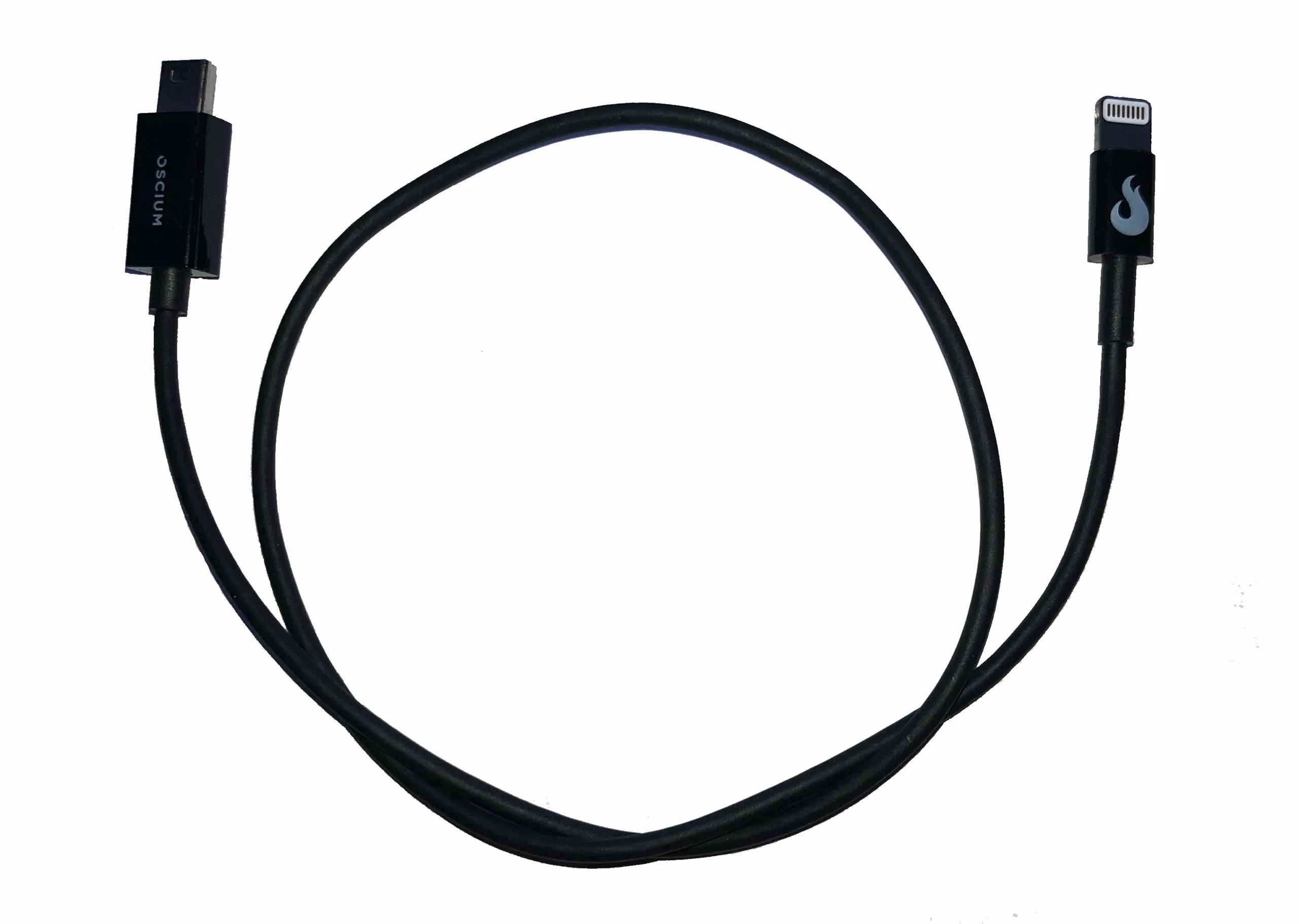
30-Pin iOS Connector You connect WiPry-Power to your iOS device with this connector. Your iPhone, iPod or iPad powers WiPry through this connector so there’s no power cord to carry or extra batteries to keep charged. WiPry-Power passes the digitized power measurements to your iPhone through this connector, integrating signal and power into a single connection.
Touch Screen Oscium wrote the WiPry user interface taking full advantage to the iOS device touch screen. You have
all the menus and measurement controls available at the touch of a finger. You can scroll and zoom the measurement window by simply squeezing together or spreading apart your two fingers on the screen. Of course, if you’ve ever used an iPhone, iPod or iPad to listen to music or check your email then you’re already an expert with the touch screen.
WiPry App from iTunes Start making RF power measurements when you open the WiPry App with your iPhone, iPod, or iPad. The application is free at iTunes.com or the App Store and loads in 30 seconds, or less. You can use WiPry’s demo mode to try out the user interface and measurement capabilities on simulated WIFI, DECT, and DSS signals.
Getting Started Using WiPry-Power
Unpacking the box
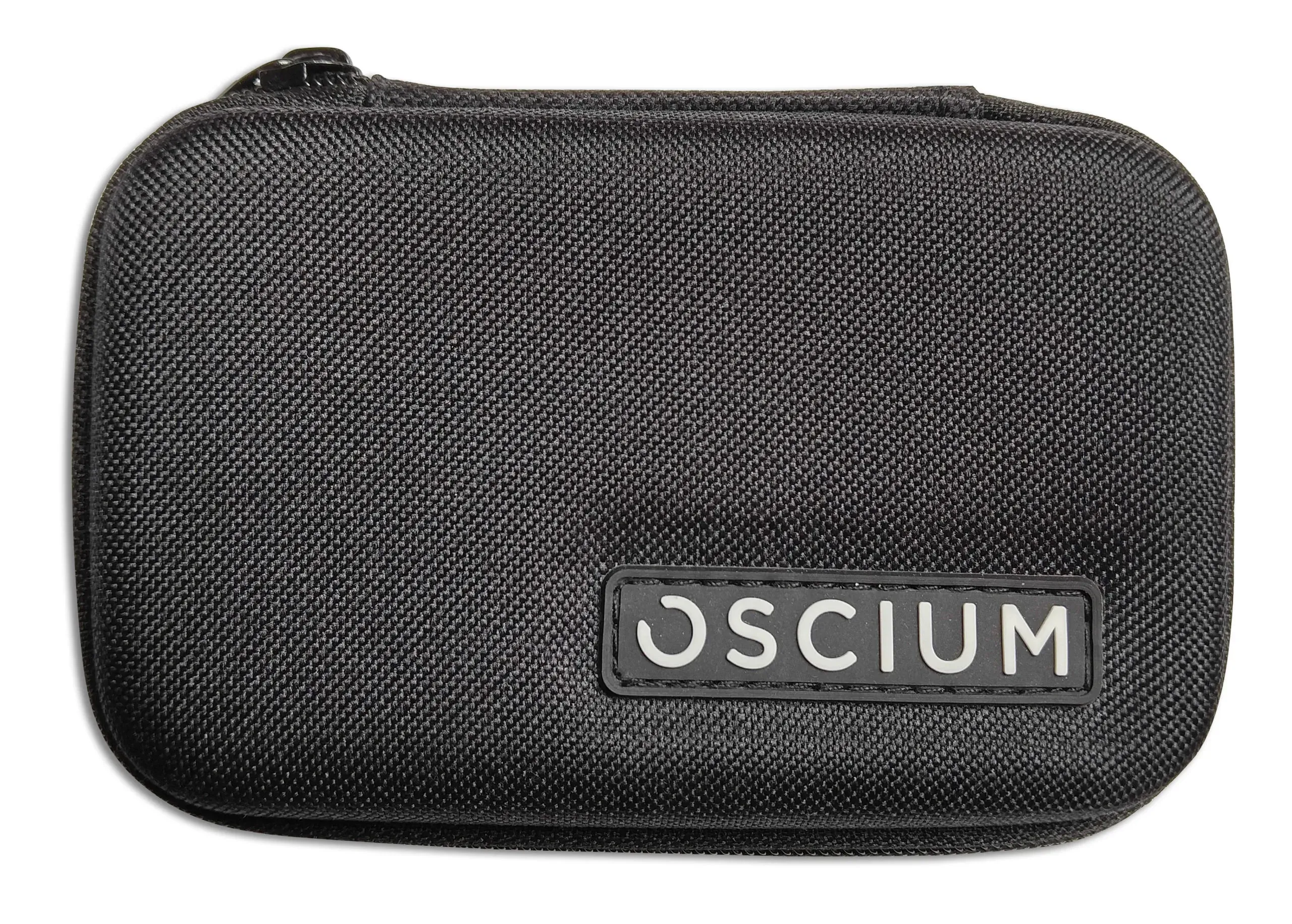
WiPry-Power arrives handsomely packaged with everything you need to get started right away. You’ll find the WiPry-Power device and the 2.4 GHz SMB antenna when you open the box, resting securely in the professionally designed electro-static safe foam packaging. Your WiPry Power comes with Oscium’s Quickstart Guide reference card with step-by-step instructions for getting started. Be sure to read the warning about WiPry-Power’s maximum input power level.
Downloading and using WiPry
You can download Oscium’s free WiPry app from iTunes on your computer or from the App Store if you are using an iPhone, iPod, or iPad. WiPry works will all the iOS devices listed that run iOS 4 or later, regardless of which device generation you are using. Run WiPry’s demo mode and analyze simulated WiFi, DECT, and DSSS protocol signals. Oscium enables the vertical and horizontal cursor measurements in demo mode so you can become familiar with the capabilities without WiPry Power installed.
Connect WiPry Power to Start Measuring RF Power
Use your iPhone, iPod, or iPad to make RF power measurements with the WiPry app installed and WiPry-Power connected. You can set the trigger level, vertical position and scroll and zoom along the time scale just like using an oscilloscope. Set the vertical and horizontal cursors on the screen to collect information about the signals you are analyzing. WiPry lets you capture a reference trace, store it in memory, and compare it to active measurements with just a few taps on the screen. Choose from WiPry’s built-in measurement statistics, like Peak, Average, Duty Cycle, and Pulse Width, and have up to 6 displayed at any time. WiPry allows you to save measurement settings in setup configurations and capture your results in data logs. You can transfer your measurements off your iOS device by emailing screenshots or csv formatted text files.

Screenshot from demo signal (green) and an actual measured signal (white) using WiPry-Power on iPhone 4.
...