Portable, Award-Winning

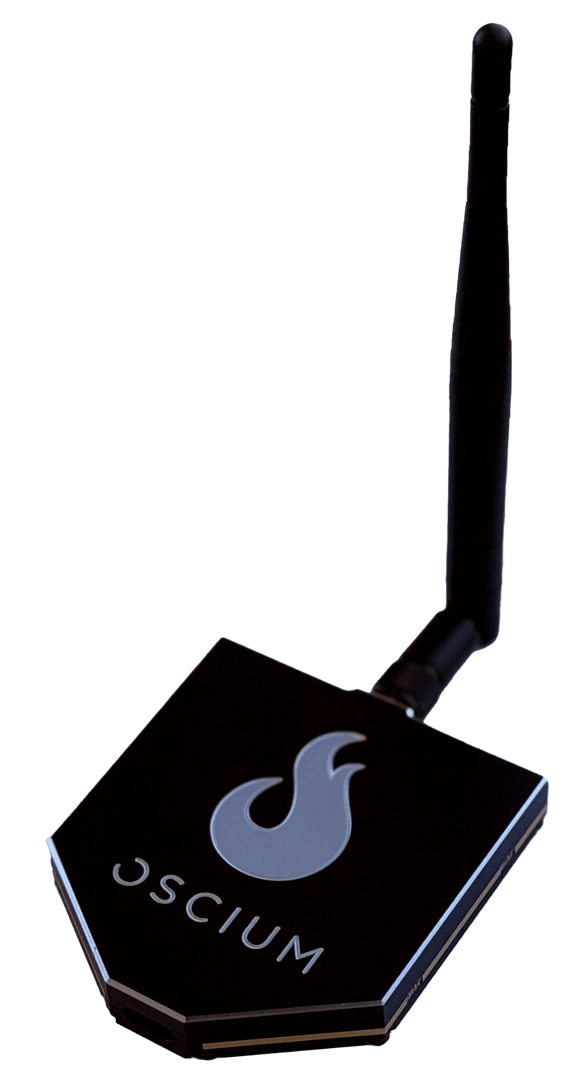
With Oscium's WiPry-Combo peak power meter and spectrum analyzer, you can pry into the power, spectral, and time characteristics of your signals using an iPhone, iPad, or iPod. WiPry-Combo is the emerging standard in portable RF test equipment for cellular communication planners, RF engineers, wireless network technicians and avid electronics hobbyists. 

Product highlights:

  • Enables iPhone, iPad, iPod to make power and frequency measurements
  • Fits in the palm of your hand
  • Measures rise and fall time, duty cycle and peak power with the precision power meter 
  • Visualizes Wi-Fi, Zigbee, Bluetooth and remote sensor networks using spectral mode
  • Awarded Most Innovative & Best Customer Value
  • Compatible with Lightning and 30 pin connectors (with adapter, works with iPhone 5 & iPad Mini)

Spectrum Analyzer &
Dynamic Power Meter Combo
WiPry-Combo $199.97

Buy WiPry-Combo

SKU: OSC1003

Recognized as Revolutionary

In addition to ranking #1 as the best return on investment (ROI) for customers, WiPry-Combo has been heralded as "revolutionary" and the most innovative product for the category as well as #1 in value added features and benefits. Read the full industry report by clicking on the award below.
 
 iMSO-104 Ace Award Finalist Logo
"Oscium offers a superior product because it removes the load time requirement when the application is executed to make directed measurements. Among the additional benefits that customers experience upon adopting Oscium's products is the fact that the WiPry is modular. This factor gives the company an important competitive advantage over similar industry solutions, as it lowers operational costs in comparison with other products used." 

Mariano Kimbara, Research Analyst at Frost & Sullivan

Video Demos


Give Yourself An Advantage With WiPry-Combo

Work in telecommunications is technically challenging and fiercely competitive. WiPry-Combo gives you all the measurement capabilities of Oscium’s iOS Test power meter and spectrum analyzer in one product. Until recently, making frequency, power, and timing measurements typically required three separate test equipment setups.  Consider the equipment on a typical lab bench: Timing measurements use diode detectors and oscilloscopes; power measurements require power meters and power sensors; and lastly, frequency measurements are made using spectrum analyzers. However, with WiPry-Combo, one setup does it all! 
 
Power  Frequency
Broadband operation from 100 MHz to 2.7 GHz 2.4-2.495GHz: Wi-Fi, Bluetooth, Zigbee, and more
Dynamic Range 65 dB; -45 dBm to +20 dBm Dynamic Range 90 dB; -100 dBm to -10 dBm
Adjustable time scale: 2 μs/div to 1 sec/div 200 msec Sweep time / 1 MHz RBW
Amplitude resolution 0.2 dBm Amplitude resolution 2.0 dBm
Trigger from power level or digital/logic level Digital modulation: Real Wave & Waterfall views

What WiPry-Combo Can Do For You

Peak Power Measurements

Comparisons: The figure on the left is a depiction of power mode, measuring a sample Wi-Fi signal (white trace) and a spread spectrum signal. 
Time based measurements: Just like oscilloscopes that measure analog and digital voltages, WiPry-Combo captures time based peak RF power. Analyze measured signals for pulse width, duty cycle, and settling time performance.
Compliance and efficiency: WiPry-Combo also lets you measure key parameters like peak power and peak-to-average power ratio. These measurements, essential for verifying signals, are compliant with regulations and measuring transmission efficiency.
Export data: Export your measured data for reporting and analysis using emailed screen shots and .csv text files.


Spectrum Analysis with Real Wave

Viewable Wi-Fi channels: The figure on the right shows the spectral content between 2.4 GHz and 2.495 GHz, with all the activity occurring within Wi-Fi Channel 3. The intuitive interface lets you see all Wi-Fi channel activity. Just touch the screen and slide your finger left and right.
Adjustable color-coded thresholds: It is possible to set the upper and lower threshold limits using the red and blue balloons along the right side of the screen. Activity below the lower power threshold appears blue, or “ice cold”. Any signal activity exceeding the upper power threshold appears in red, like “red hot”. This option is only enabled when viewing raw spectrum data.
Customize Real Wave visualization: WiPry lets you adapt the Real Wave spectrum analysis to suit your application. Choose from six measurement visualizations, including Max Hold, Raw, Average, and Heat Map.
Export data: Export your measured data for reporting and analysis using emailed screen shots and .csv text files.


Spectrum Analysis with Waterfall


Time-based signal activity: Waterfall view gives you time-based signal activity. The blips at the top of the screen are the most recent and move toward the bottom with time.
Viewable Wi-Fi channels: Just like Real Wave, you can use WiPry to see which Wi-Fi channels are used. The figure on the right shows the signal activity concentrated in Wi-Fi channel 3.
Adjustable color-coded thresholds: Set the upper and lower threshold limits using the red and blue balloons along the right side of the screen. 
Export data: Export your measured data for reporting and analysis using emailed screen shots and .csv text files.


WiPry-Combo’s Features and Benefits

Here are a few of WiPry-Combo’s prominent features that and a description to help you get started.

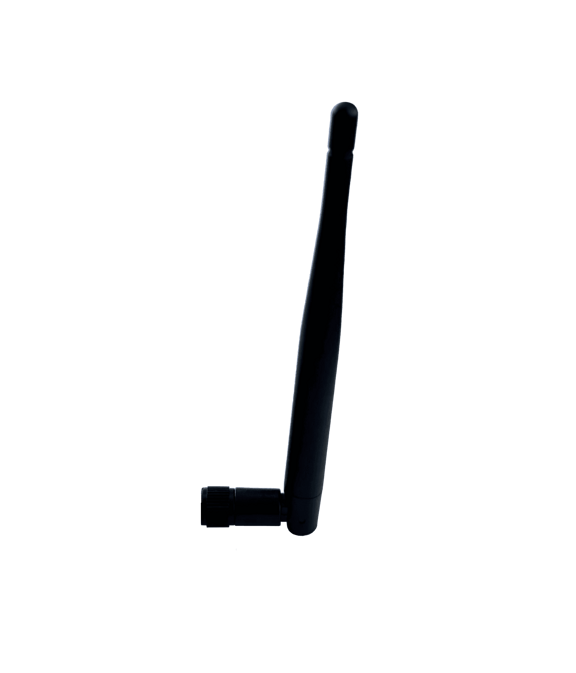
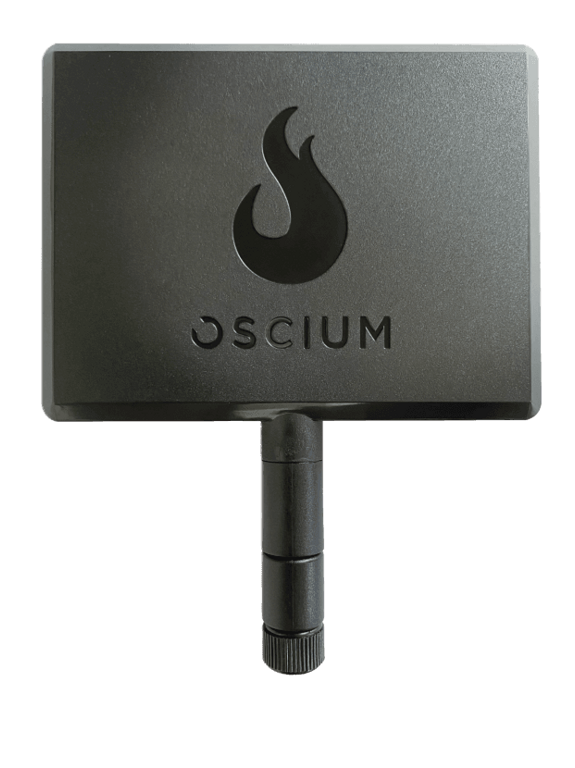
SMB Coaxial Connector You can use the included 2.4 GHz antenna for radiated power measurements, or use cables to make conducted power measurements. Learn about Oscium’s conducted measurement kit.
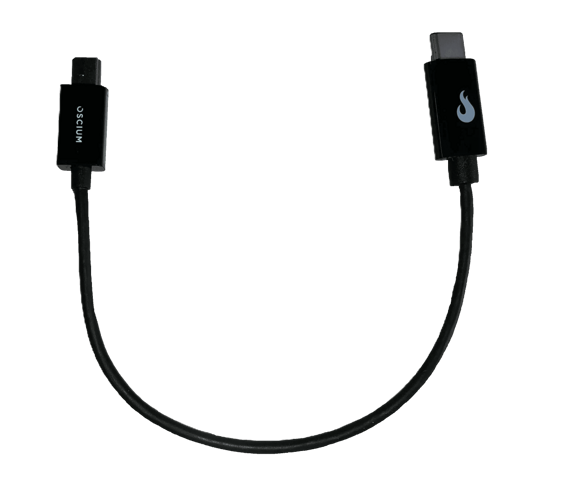
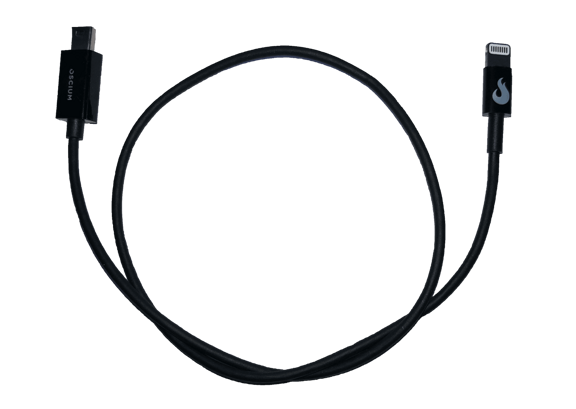
30-Pin iOS Connector You connect the WiPry-Combo accessory to your iOS device using the 30-pin iOS connector. Your iPhone, iPod or iPad powers WiPry-Combo through this connector so there’s no power cord to carry or extra batteries to keep charged. WiPry-Combo passes the digitized power measurements to your iPhone through this connector, integrating signal and power into a single connection.
Touch Screen The WiPry user interface takes full advantage of the iOS device touch screen. You have all the menus and measurement controls available at the touch of a finger.  You can scroll and zoom the measurement window by simply squeezing together or spreading apart two fingers on the screen. Of course, if you’ve ever used an iPhone, iPod or iPad to listen to music or check your email then you’re already an expert with the touch screen. 
WiPry App from iTunes Start making RF frequency and power measurements when you open the WiPry App with your iPhone, iPod, or iPad. The application is free at iTunes.com or the App Store and loads in 30 seconds, or less. You can use WiPry’s demo mode to try out the user interface and measurement capabilities on simulated WIFI, DECT, and DSSS signals. 


Document Library

Data sheet for WiPry-Combo, Spectrum Analyzer and Dynamic Power Meter Combo


FAQ

Most power meters can only provide you with an average power reading. Very few are capable of measuring peak power. Additionally, the power meter portion of WiPry-Combo will allow you to visually look at protocol level transmissions, duty cycle, and more. This is an invaluable tool that will make RF design easier than ever. 

You will be measuring radiated power versus conducted power. And this measurement will be dependent on the antenna, orientation, environmental factors, and more. For the most accurate power measurements, we recommend using the conducted measurement kit (because it gives you the ability to actually connect to the RF source). Please note that if you are measuring powers greater than 20dBm, you will need to add external attenuation.

Spectrum mode allows you to view which frequencies in the spectrum are already in use or have a high noise floor. Selecting a channel with a low reading will yield increased throughput and lower latency. 

For specific frequency measurements, you can use the cursors or the divisions on the screen. To view WiFi channels, click on the plus sign in the top left corner. Then, tap on any of the channel numbers listed. It is also possible to enable specific WiFi guides such as 802.11b, 802.11g, 802.11n -20MHz (2.4GHz only). To change the channel map, go to the menu bar and tap Measure. The option at the bottom of the menu is WiFi guide. This will enable you to manually select a guide. The default is 802.11n - 20MHz.

Yes, you do need to install the app, WiPry.  The app is easy to install and available for free in the Apple App Store.

Yes. It is also possible to email the screenshot directly from your device.

Yes. Touch and hold the pause / play menu icon and it will change into single shot mode. After the mode has been changed, tap the single shot icon and the next event will be captured and held. To go back to pause / play mode, touch and hold the single shot icon.

The center frequency of the supplied antenna is 2.45GHz.

The gain of the supplied antenna is +1dBi.

We have included internal attenuation in the design of WiPry so that you can look at higher power signals without damaging the detectors.

20dBm is the max. If you need to make higher power measurements, please make sure that you use external attenuation to bring the power level below 20dBm.

External attenuation allows you to apply an offset (either gain or attenuation) to bring the measurement into range.

You will need the conducted measurement kit even if you still plan to make radiated measurements.

There are many manufacturers of attenuators. Google 'RF Attenuators' for a large listing. 

We will make attenuators if the demand is large enough. Please drop us a note if you are interested.

If you're using an iPhone / iPod touch, you can use WiPry-Combo continuously for approximately five hours. 
If you're using an iPad, you can use WiPry-Combo continuously for approximately eight hours.

Please understand that these estimates are just that, estimates. Your results may vary based on your background usage level (WiFi, email push, other apps, etc).

Yes, WiPry-Combo comes with a one year warranty. 

WiPry-Combo works on all generations of the iPod touch, iPhone, and iPad devices running iOS version 5.0 or higher. It is made for:

iPhone 5
iPhone 4S
iPhone 4
iPhone 3GS
iPad Mini
iPad 4
iPad 3
iPad 2
iPad
iPod touch (3rd (32GB only), 4th and 5th generation)


We have had several requests to support 5 GHz. We know that this would be helpful to many of you. Please keep tracking with us. We're always looking to improve.

Directionality is dictated by the antenna you are using. Our current antenna is omni-directional. If you would like to use the combo for directional measurements, a patch antenna should suffice. Unfortunately, we do not currently offer other antennas for sale.

You may also need our conducted measurement kit to get the appropriate connector.


All of Oscium’s products work including iMSO-104, WiPry-Combo, WiPry-Spectrum, WiPry-Power, and LogiScope.

Price: $199.97
$199.97