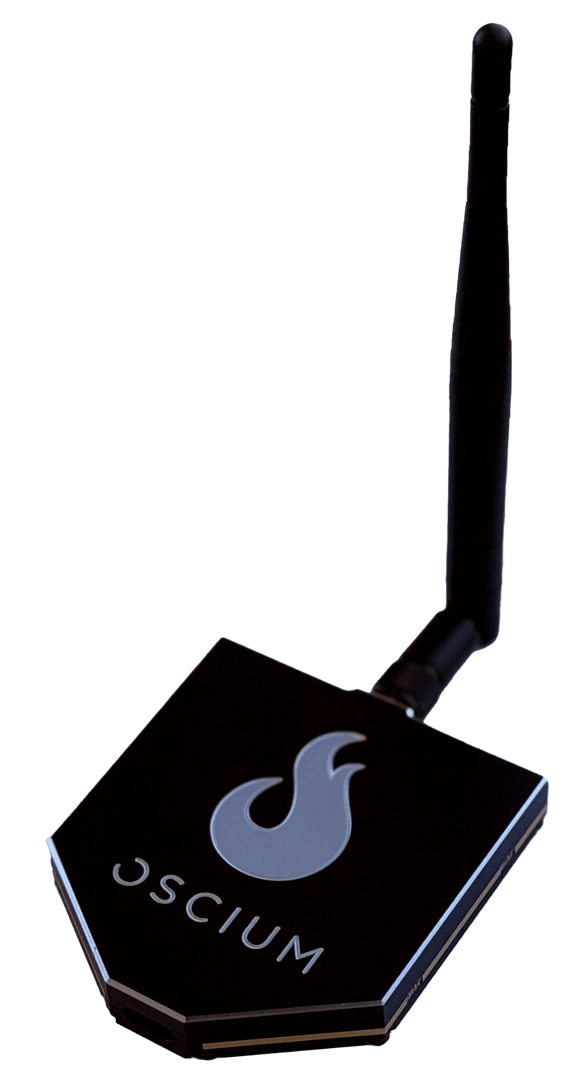
iMSO-104 is the first mixed signal oscilloscope designed specifically for the iPhone, iPod touch, & iPad. It's intuitive and easy to use, which is why it's the preferred scope for the next generation of inventors. But don’t take our word for it. Download iMSO in the App Store and test drive the interface for free.
Product Specs:
iMSO-104 Mixed Signal Oscilloscope Hardware
1x/10x Analog Probe
Logic Harness (4 Digital + 1 Ground)
SMD Grabbers (5 pieces)
Bandwidth 5 MHz
Max sample rate 12 MS/s
Screwdriver for Analog Compensation Adjustment
Analog tip covers (2 pieces)
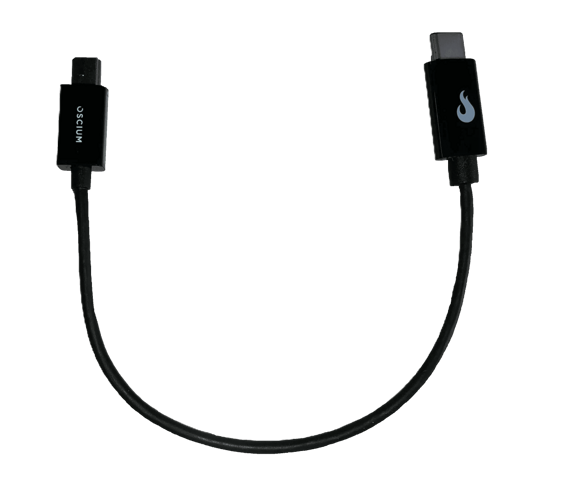
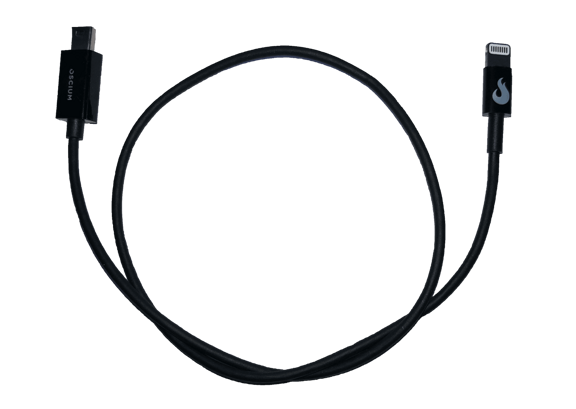
Compatible with Lightning and 30 pin connectors (with adapter, works with iPhone 5 & iPad Mini)
iMSO-104 connected to iPad
iMSO-104 connected to iPad mini.
iMSO-104 connected to iPhone 4
Back of iMSO-104
Size Comparison of iMSO-104. iMSO-104 is tiny.
iMSO-104 Box Contents
iMSO-104 Connected to iPad
iMSO-104 with iPad
Mixed Signal Oscilloscope for iPad & iPhone iMSO-104 $297.99
“So how does this touch interface compare to an oscilloscope with knobs? We actually think the experience is better! The touch-interface of the iPad represents a viable alternative to traditional knob-based oscilloscopes. The software on this device is outstanding… ”
Joe Wolin
EEWeb Co-Founder
"This is really rather tasty. If you’re into the gigahertz range, this isn’t going to do you any good. But for the sort of stuff that I do, this is pretty darn smart. It’s an oscilloscope in your pocket. I for one am well impressed. Jolly good idea. Wish I would have thought of it.”
Max Maxfield
EE Times, Editor Programmable Logic DesignLine
"I've been using logic analyzers and oscilloscopes on and off for 30 years. In terms of sheer ease of use, this is the best I've ever gotten my hands on (pun intended)." -James Turner in IEEE Spectrum
'Hands On' Oscilloscope
Oscium's iMSO-104 is intuitive which means you can spend more time debugging than fumbling with an oscilloscope interface. Our friends over at ThinkGeek illustrate how easy it is to change the analog trigger level in the video on the left and on the right we've recently added another video that shows iMSO-104 in action:
Intuitive hand gestures are used to navigate:
Zooming - Changing the vertical & horizontal scales can be done by moving two fingers away from each other. And, to zoom out, simply pinch the screen moving two fingers toward each other.
Repositioning Channels - Both the analog and digital channels are also easy to reposition. Touch and swipe the desired channel to any position on the screen to customize your display.
App Updates Unlock Value
One of the benefits of this platform is that enhancements to the app can quickly and easily be distributed to customers, unlocking additional value at no charge. FFT is a good example of this (see screenshot on the left); it was added after iMSO was first released. The ability to update features and improve the overall user experience enables us to be responsive to your needs. For examples, FAE's and other on-the-go engineers suggested we add the ability to save configurations (because it would save them setup time). So, we added the ability to save three different configurations. Now, you only have to set up your oscilloscope once and it will remember who you are.
Rows
When the time scale is set to less than 100ms, each row is a single screen capture.
When the time scale is greater than or equal to 100ms, each row is a data point in time.
Columns
Each column (excluding the first) is the data point in time that is shown on the screen.
Triggering is not available with 100ms and greater timescales. That's why the menu and the bubble disappear. Consider using the delay along with a timescale that has triggering to troubleshoot your device under test.
Yes. Find the demo menu on the menu bar. Touch the word of the signal that you wish to view. The following signals are currently available in demo mode: sine, square, triangle, sawtooth. If -for example- you want to view a square wave, select the word SQUARE. When in demo mode, only one signal is available and it will be displayed on channel 1 (or the green color). Once the iMSO-104 hardware is purchased, all channels and features are unlocked and fully functional.
The iMSO app is available in the following languages: English, German, French, Italian, Russian, and Spanish. We would love to see our scope translated into other languages even if it is Chamicuro. If you don’t know what Chamicuro is, you’re not alone. As of a 2008 study, only eight people in the world speak Chamicuro. If you want us to translate the scope into Chamicuro or another language of your choice, we’d be glad to do it with your help.
If you're using an iPhone / iPod touch, you can use iMSO-104 continuously for approximately five hours. If you're using an iPad, you can use iMSO-104 continuously for approximately eight hours.
Please understand that these estimates are just that, estimates. Your results may vary based on your background usage level (WiFi, email push, other apps, etc).