Powerful & Intuitive

LogiScope transforms an iPhone, iPad or iPod into a 100MHz, 16 channel logic analyzer. Not only is it the most intuitive logic analyzer available, the triggering is so powerful you'll be able to count the hair on your bug (tap product picture on right to watch a short video). Download LogiScope in the App Store and test drive the interface or watch the tutorials below. 

Product Highlights:

  • 100 MHz, 16 channel logic analyzer
  • Two logic harnesses (each with 8 digital, 1 ground)
  • Protocol decoding: I2C, SPI, UART, Parallel
  • Works with 2.0v, 2.5v, 3.3v & 5.0v systems
  • Portable: goes where you go
  • Input voltage -0.5v to +7v
  • Advanced triggering
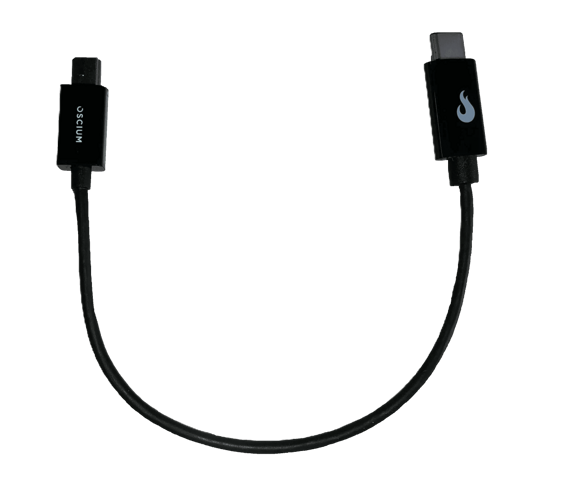
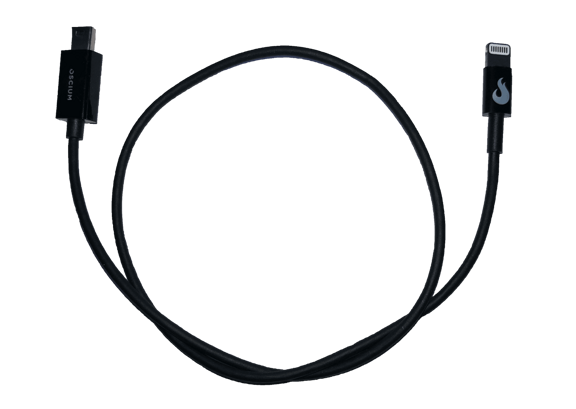
  • Compatible with Lightning and 30 pin connectors (with adapter, works with iPhone 5 & iPad Mini)

Logic Analyzer
LogiScope $389.99

SKU: OSC1004

Innovation Recognized

Triggering Demo: Watch It Live

LogicScope is a powerful new approach to logic analysis. Traditionally, a logic analyzer records a buffer and then requires you to pan and zoom through the saved data. Now, with LogiScope, you can trigger on exactly what you need to analyze without the need to capture, pause, and then view. Stop settling for pictures when you can have live data. The demo videos below illustrate the power of this advanced triggering system.

Easy-to-Use Interface

The touchscreen makes navigating the interface a pleasure. It is interactive, responsive, and cutting edge. Changing the timescale is as easy as zooming into a picture on your smartphone. Adjusting the delay is as simple as a swipe across the top of the screen. 

Screenshot of Logic AnalyzerScreenshot zoomed into Logic Analyzer

The intuitive interface will also alert you to signals that are too fast for the timescale by changing the waveform to red (see image to the left). Protocol decoding does not depend on the timescale; it occurs live on the hardware so you can trigger in real time.

Data Sheet for LogiScope

FAQ

All of Oscium’s products work including iMSO-104, WiPry-Combo, WiPry-Spectrum, WiPry-Power, and LogiScope.

Yes. Touch and hold pause or play (in the bottom right corner) until it changes to single. Then, tap single. It will capture a single-shot waveform. Remember that in order to trigger off a specific event, it will need to be set to normal mode. If it is set to auto mode, it will just display the next frame, not the next event.

LogiScope is made for iOS. It requires iOS version 5.0 or newer. 

Yes, LogiScope has a one year warranty. The logic harness and SMD grabbers are not included in warranty.

If you're using an iPhone / iPod touch, you can use LogiScope continuously for approximately four hours. 

If you're using an iPad, you can use LogiScope continuously for approximately seven hours. 

Please understand that these estimates are just that, estimates. Your results may vary based on your background usage level (WiFi, email push, other apps, etc).

Yes, you do need to install the app LogiScope. It is free and can be downloaded in the Apple App Store.

Although LogiScope is unable to capture a massive buffer for later review, it can provide live data with complex triggering.  If you are looking for a particular event, searching for it using the advanced LogiScope triggering can be a simple and effective way vs panning and looking at event after event.


Price: $389.99
$389.99